Your Mac is missing someone.
Adopt a tiny creature that lives on your screen. It keeps you company,
remembers you, eats your notes and files so you can find them later, and keeps
your day on track — all while being extremely small and a little dramatic.
Free for Mac (macOS 14+) · No account · Nothing leaves your Mac
Pick your creature
32 characters. Click one — the one walking around this page changes instantly, and it's the one you'll take home.
What it does
Everything below works out of the box. No setup, no accounts, no jargon.
🧸It keeps you company
It walks around, naps when you're away, gets squished behind big windows — and yes,
you can toss it and it bounces. It even climbs up and sits on your windows.
🧠It remembers you
Sit down in the morning and it greets you with what you were working on yesterday.
Ask "what do you remember?" and it shows you everything — and how to erase it.
🍽Feed it anything
Drop a file on it — it eats it, files it away, and (with AI on) reads it so you can
ask questions: "what's in that PDF from yesterday?" Or hit 🎙️ and just talk.
⏰Chores that find you anywhere
Teach it in plain words — "every hour remind me to drink water," "at 12pm time to break
my fast" — and it reaches your iPhone too, even when you're nowhere near your Mac.
⏳It guards your focus
A 25-minute focus timer, held by a tiny creature that's counting. Somehow that works
better than any app you've deleted.
📸Share the moments
When it says something great, one click turns it into a beautiful card — or record
an 8-second clip of its antics. Great for making coworkers jealous.
Want more brains? Flip on AI in Settings — it can even look at your screen and help.
It's optional, and it can run 100% on your Mac for free (via Ollama). No AI needed for anything else.
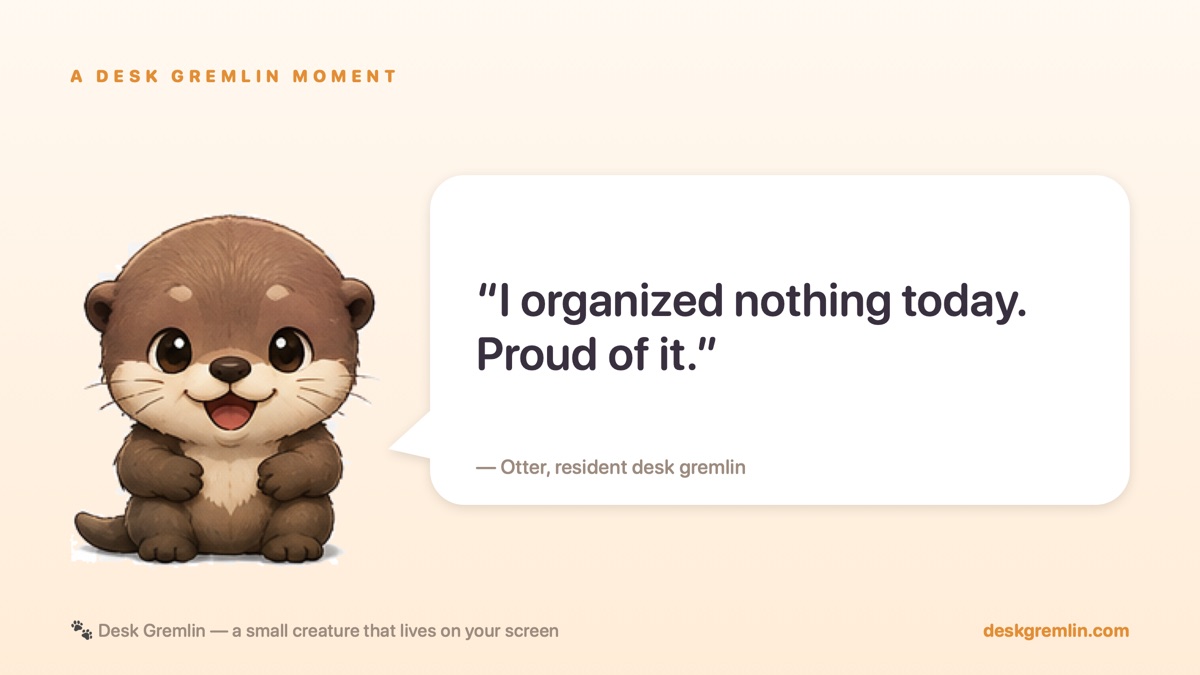
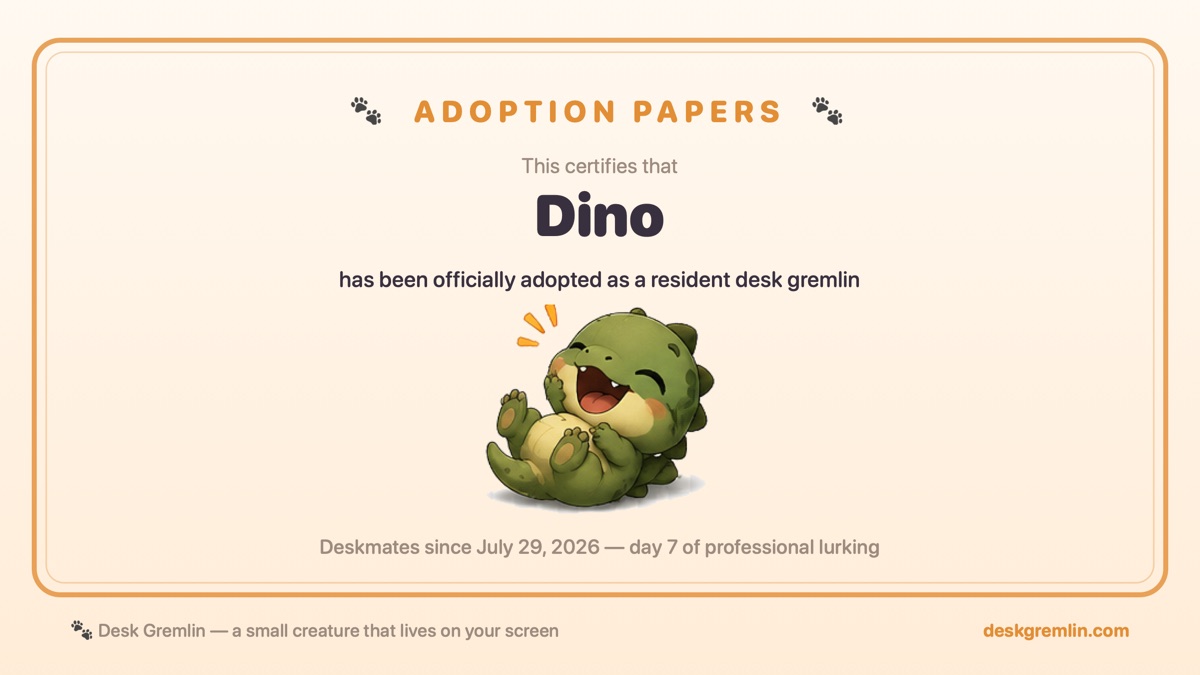
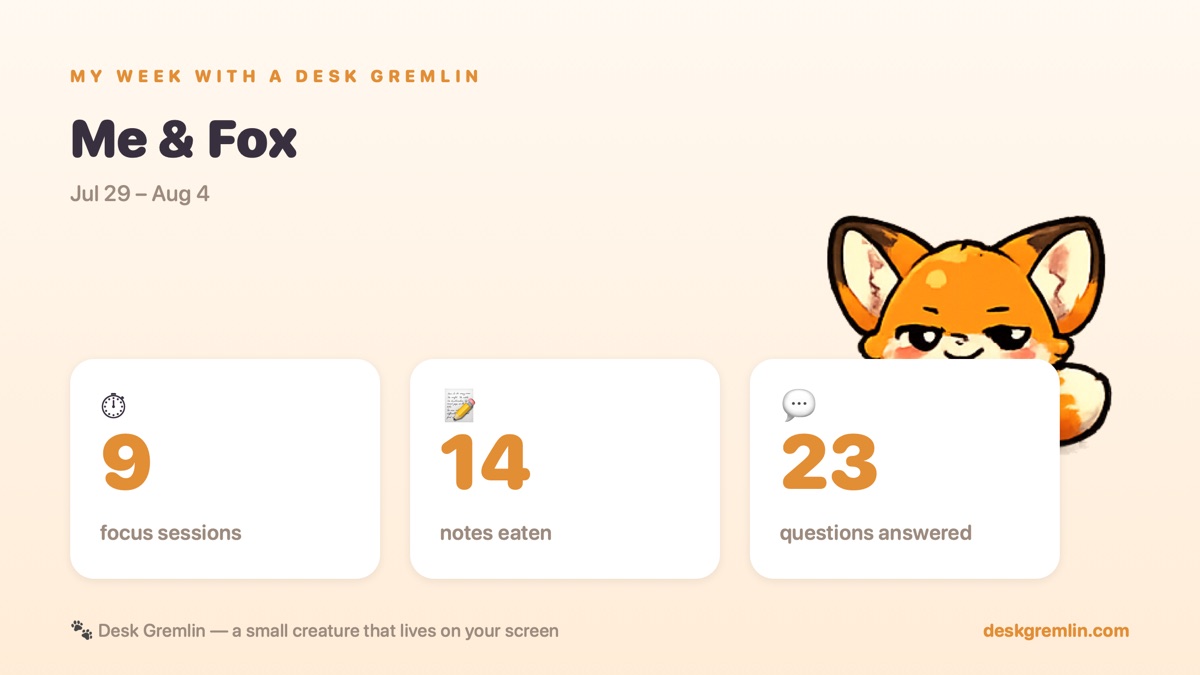
Moments it makes for you
When your gremlin says something great — or you just want to show it off — one click
turns it into a card like these. Real cards, made by the app, ready for iMessage or X.
It also records 8-second clips of its antics — bouncing, window-sitting, general mischief.
🔒 Everything stays on your Mac.
No account. No cloud. No tracking. Your notes, files, and memories live in one
local database — the app even has a button that shows you every row of it.
No accountsNo servers of ours
No telemetryAI is opt-in
Free local AI supported
Adoption papers
Gnaw is packed and ready.
One welcome email. No newsletter.
First launch: right-click the app → Open. That's the whole ceremony.
download